How Azure Data Factory Changed the Way We Handle ETL/ELT at Scale

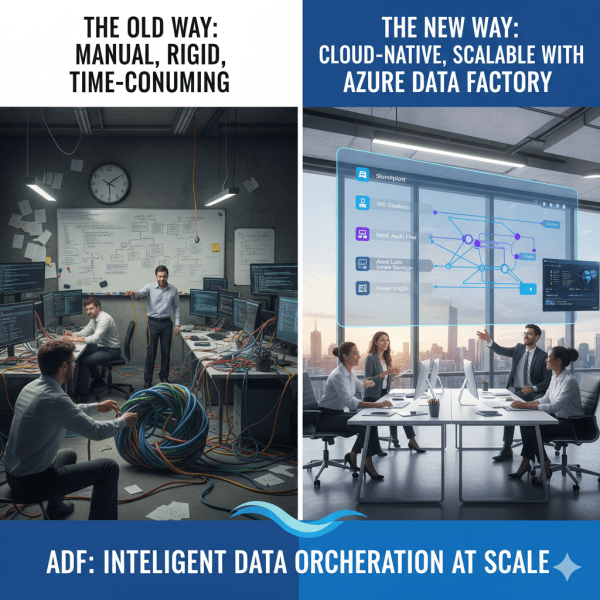
There was a time when moving data from multiple sources felt like untangling a giant knot. Every data refresh meant scripts breaking, manual checks, and long hours spent ensuring everything flowed from source to destination correctly. Then Azure Data Factory (ADF) entered the picture, and it didn’t just simplify ETL and ELT. It completely transformed how we think about data orchestration at scale.

Use Azure AI Services in Containers

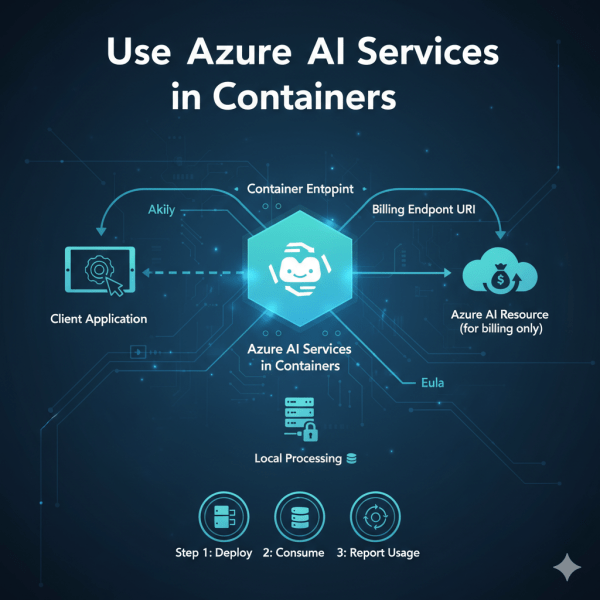
Did you know you can run Azure AI services on your own infrastructure using containers? Microsoft provides container images for individual AI service APIs through the Microsoft Container Registry (MCR). This allows you to deploy AI closer to your data on-premises, in Azure, or even at the edge.

What to Consider Before Using Azure AI Foundry

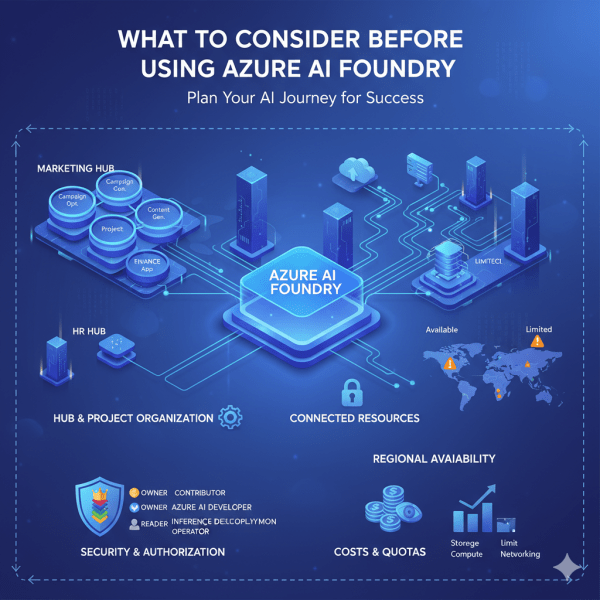
Azure AI Foundry is a powerful platform for developing and scaling AI solutions. It gives teams structure through hubs and projects, shared resources, and collaborative tools. But to get the most from Foundry, it is important to plan carefully. From resource organization to cost management, a little forethought can make your AI journey smoother and more efficient.

Unlocking the Power of Azure AI Foundry

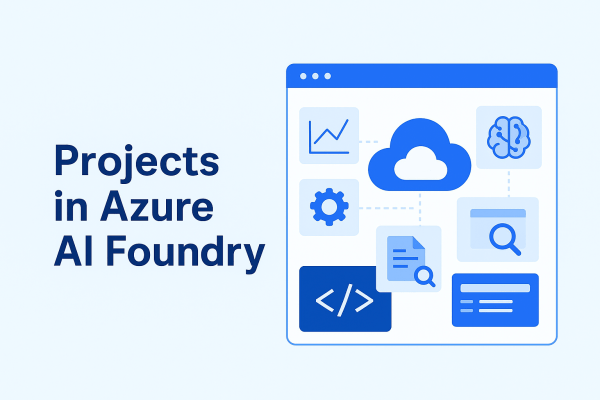
Azure AI Foundry is Microsoft’s dedicated platform for building, managing, and scaling AI solutions in the cloud. It is not just a collection of services, it is a structured environment designed to make AI development more efficient, organized, and secure.

Building Smarter with Azure AI Services

With Azure AI services, you don’t need to start from scratch. Microsoft provides a suite of prebuilt, ready-to-use APIs that let you plug AI into your apps and workflows right away. Here are some of the most powerful services you can use today:

Microsoft Fabric Best Practices & Roadmap

Microsoft Fabric brings together data engineering, data science, real-time analytics, and business intelligence into one unified platform. With so many capabilities available, organizations often ask: How do we get the most out of Fabric today while preparing for what’s coming next? This post shares practical performance tuning tips, cost optimization strategies, and a look at the Fabric roadmap based on the latest Microsoft updates.

Real-Time Analytics in Microsoft Fabric

In today’s data-driven world, many business scenarios demand insights not in hours or days, but in seconds. From monitoring IoT devices to tracking live transactions, real-time analytics enables organizations to act immediately. Microsoft Fabric delivers this capability through KQL databases and event streams, making it easier to ingest, query, and analyze fast-moving data at scale.

Analyzing Data with Power BI in Microsoft Fabric

Data becomes valuable when it’s turned into insights that drive action. In Microsoft Fabric, this is where Power BI shines. By connecting directly to Lakehouses and Warehouses in Fabric, you can build interactive dashboards and reports, then publish and share them securely across your organization.

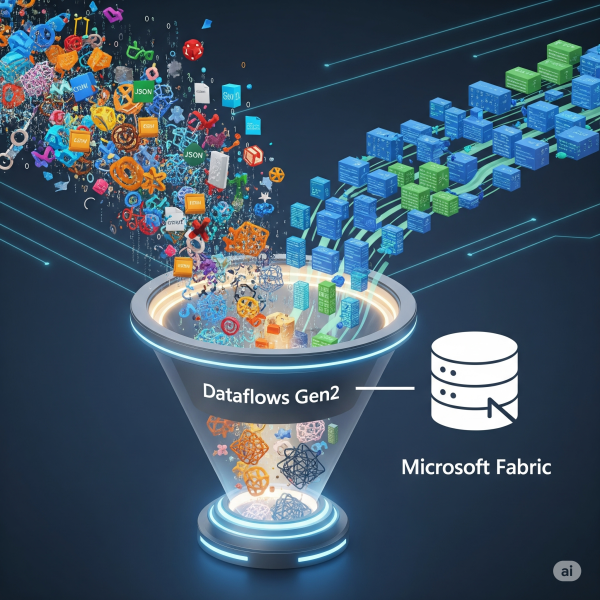
Transforming Data with Dataflows Gen2 in Microsoft Fabric

In Microsoft Fabric, raw data from multiple sources flows into the OneLake environment. But raw data isn’t always ready for analytics. It needs to be cleaned, reshaped, and enriched before it powers business intelligence, AI, or advanced analytics. That’s where Dataflows Gen2 come in. They let you prepare and transform data at scale inside Fabric, without needing heavy coding, while still integrating tightly with other Fabric workloads.

Create a website or blog at WordPress.com

Up ↑