How Azure Data Factory Changed the Way We Handle ETL/ELT at Scale
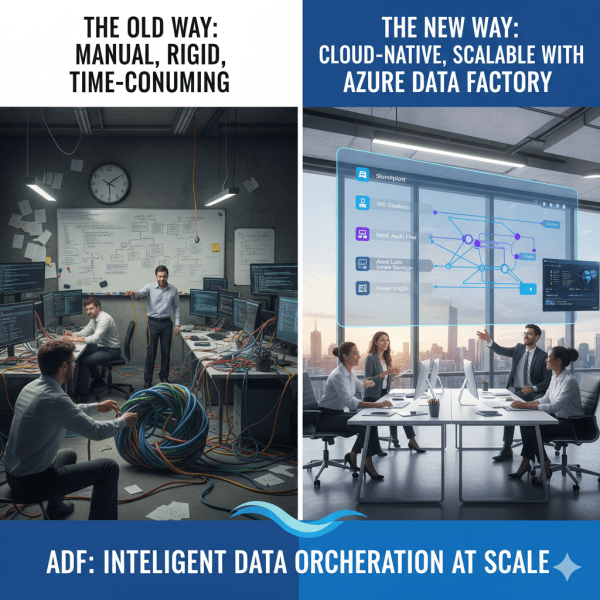
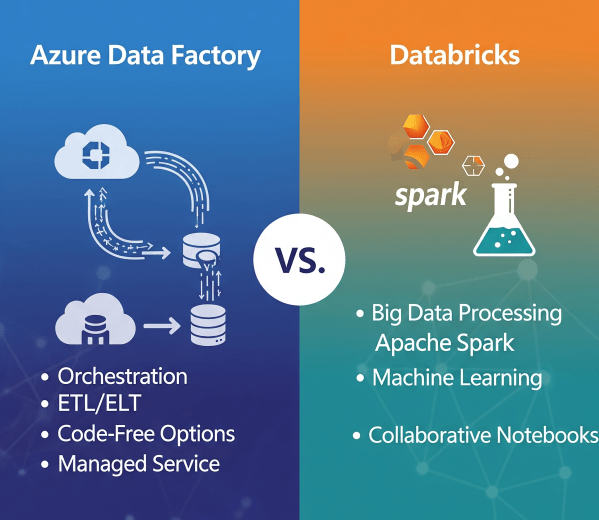
There was a time when moving data from multiple sources felt like untangling a giant knot. Every data refresh meant scripts breaking, manual checks, and long hours spent ensuring everything flowed from source to destination correctly. Then Azure Data Factory (ADF) entered the picture, and it didn’t just simplify ETL and ELT. It completely transformed how we think about data orchestration at scale.

Transforming Data with Dataflows Gen2 in Microsoft Fabric

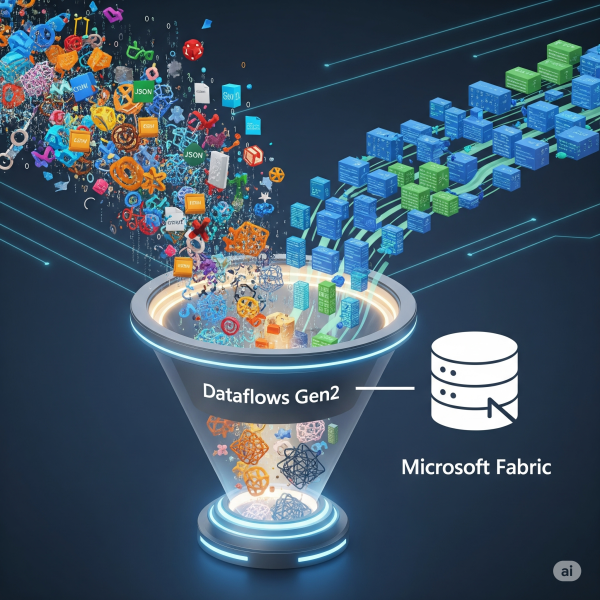
In Microsoft Fabric, raw data from multiple sources flows into the OneLake environment. But raw data isn’t always ready for analytics. It needs to be cleaned, reshaped, and enriched before it powers business intelligence, AI, or advanced analytics. That’s where Dataflows Gen2 come in. They let you prepare and transform data at scale inside Fabric, without needing heavy coding, while still integrating tightly with other Fabric workloads.

Ingesting Data with Data Factory in Microsoft Fabric

In Microsoft Fabric, Data Factory is the powerhouse behind that process. It’s the next generation of Azure Data Factory, built right into the Fabric platform; making it easier than ever to: - Connect to hundreds of data sources - Transform and clean data on the fly - Schedule and automate ingestion (without writing code)

Building a Lakehouse in Microsoft Fabric

A Lakehouse in Microsoft Fabric combines the scalability and flexibility of a data lake with the structure and performance of a data warehouse. It’s an all-in-one approach for storing, processing, and analyzing both structured and unstructured data.

Create a website or blog at WordPress.com

Up ↑