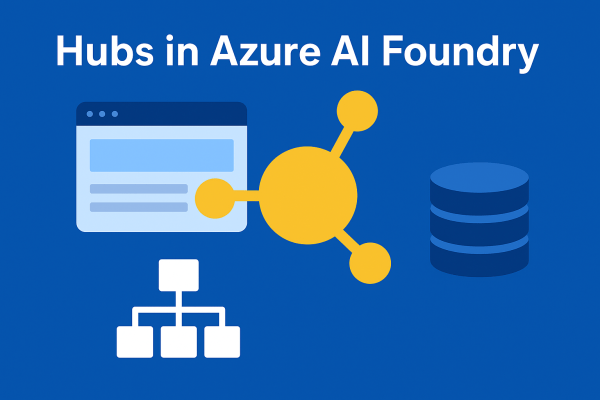
A hub is the foundation of Azure AI Foundry. Think of it as a control center where all the shared resources, security settings, and configurations for your AI development live. Without at least one hub, you cannot use the full power of Foundry’s solution development capabilities.
Navigating Azure AI Services Resources – the Smart Way
Imagine you’re about to build something amazing with Azure AI. Before you dive into writing code or training models, there’s one big question: how do you set up your AI resources? This step might feel like just a checkbox, but it’s the foundation of how your application will scale, perform, and even stay within budget.
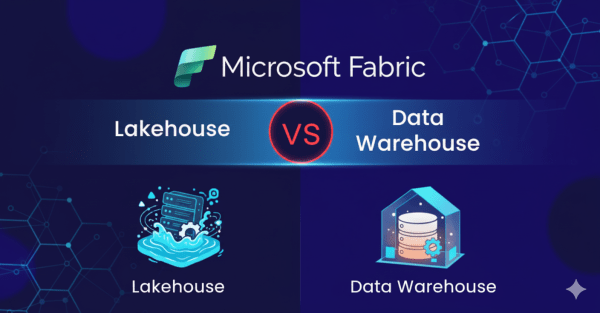
Lakehouse vs. Data Warehouse in Microsoft Fabric: Do You Really Need Both?
While working with Microsoft Fabric, a question came to mind: why use a Data Warehouse if the Lakehouse already provides a SQL endpoint? At first glance, it may seem redundant. However, when you look closer, the two serve very different purposes, and understanding these differences is key to knowing when to use each.
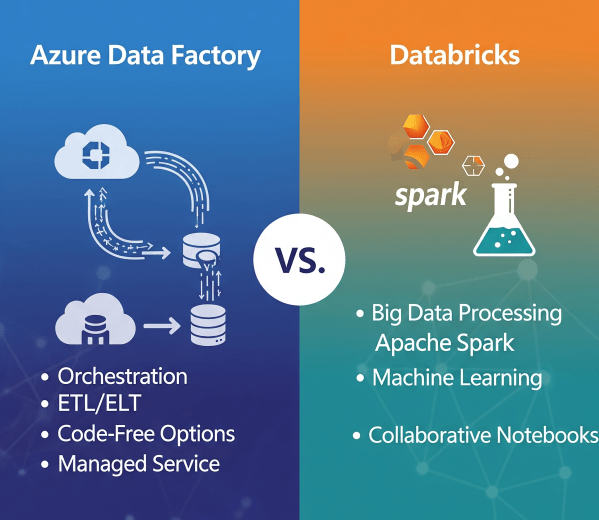
Azure Data Factory vs. Databricks: When to Use What?
In today’s cloud-first world, enterprises have no shortage of data services. But when it comes to building scalable, reliable data pipelines, two names often dominate the conversation: Azure Data Factory (ADF) and Azure Databricks.
Microsoft Fabric vs. Databricks: When to Use Each?
When it comes to building a modern data platform in Azure, two technologies often spark debate: Microsoft Fabric and Databricks. Both are powerful. Both can process, transform, and analyze data. But they serve different purposes, and the smartest organizations know when to use each.
Microsoft Fabric Best Practices & Roadmap
Microsoft Fabric brings together data engineering, data science, real-time analytics, and business intelligence into one unified platform. With so many capabilities available, organizations often ask: How do we get the most out of Fabric today while preparing for what’s coming next? This post shares practical performance tuning tips, cost optimization strategies, and a look at the Fabric roadmap based on the latest Microsoft updates.
Top Azure Services You Should Master in 2025
Microsoft Azure remains a powerhouse in the cloud ecosystem, driving innovation across AI, automation, and data analytics. As industries increasingly rely on cloud-native solutions, mastering the right Azure services in 2025 is essential for cloud professionals, developers, and architects who want to stay ahead of the curve.
Python for Data Engineers: 5 Scripts You Must Know
As a data engineer, your job isn’t just about moving data. It’s about doing it reliably, efficiently, and repeatably, especially when working with cloud data platforms like Azure SQL Data Warehouse (Azure Synapse Analytics). Python is one of the best tools to automate workflows, clean data, and interact with Azure SQL DW seamlessly.
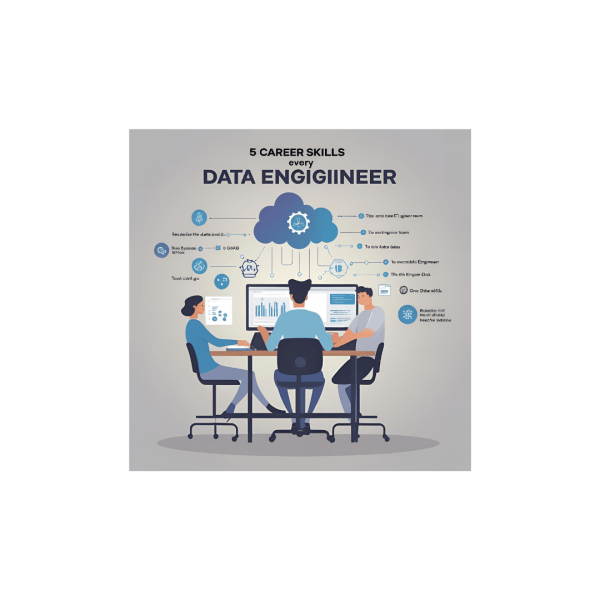
5 Career Skills Every Aspiring Data Engineer Needs
Over the past ten years in data, I’ve been fortunate to collaborate with, learn from, and help grow some incredibly talented engineering teams. One thing has become clear along the way: Tools come and go, but the core skills that make a great data engineer remain timeless. In today’s cloud-first, real-time, business-aligned world, here are the five skills I believe every aspiring data engineer must master.
How to Send Emails to Users using SparkPost in Databricks
Notifying users when the pipeline ran successfully or whenever an issue has occurred is one of the key components of an ETL pipeline. In this blog, we have covered a step-by-step guide on how to send emails to multiple recipients using SparkPost in Databricks.
How to handle duplicate records while inserting data in Databricks
Have you ever faced a challenge where records keep getting duplicated when you are inserting some new data into an existing table in Databricks? If yes, then this blog is for you. Let’s start with a simple use case: Inserting parquet data from one folder in Datalake to a Delta table using Databricks. Follow the... Continue Reading →
How to read .xlsx file in Databricks using Pandas
Step 1: In order to read .xlsx file, you need to have the library openpyxl installed in the Databricks cluster. Steps to install library openpyxl to Databircks cluster: Step 1: Select the Databricks cluster where you want to install the library. Step 2: Click on Libraries. Step 3: Click on Install New. Step 4: Select PyPI. Step 5: Put openpyxl in the text box under Package... Continue Reading →