A project in Azure AI Foundry is a workspace designed for a specific AI development effort. Each project connects to a hub, giving it access to shared resources while also providing its own dedicated environment for collaboration and experimentation.
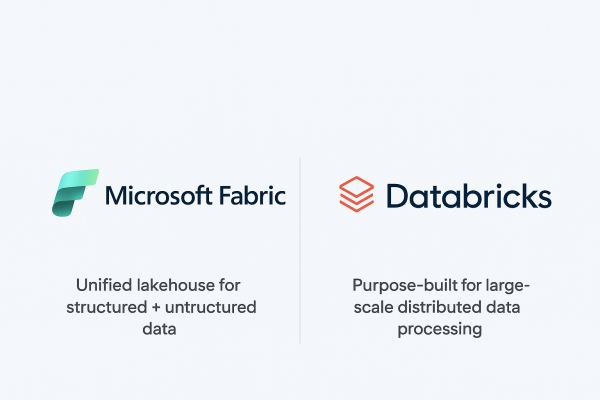
Microsoft Fabric vs. Databricks: When to Use Each?
When it comes to building a modern data platform in Azure, two technologies often spark debate: Microsoft Fabric and Databricks. Both are powerful. Both can process, transform, and analyze data. But they serve different purposes, and the smartest organizations know when to use each.
Analyzing Data with Power BI in Microsoft Fabric
Data becomes valuable when it’s turned into insights that drive action. In Microsoft Fabric, this is where Power BI shines. By connecting directly to Lakehouses and Warehouses in Fabric, you can build interactive dashboards and reports, then publish and share them securely across your organization.
Ingesting Data with Data Factory in Microsoft Fabric
In Microsoft Fabric, Data Factory is the powerhouse behind that process. It’s the next generation of Azure Data Factory, built right into the Fabric platform; making it easier than ever to: - Connect to hundreds of data sources - Transform and clean data on the fly - Schedule and automate ingestion (without writing code)
Building a Lakehouse in Microsoft Fabric
A Lakehouse in Microsoft Fabric combines the scalability and flexibility of a data lake with the structure and performance of a data warehouse. It’s an all-in-one approach for storing, processing, and analyzing both structured and unstructured data.
Exploring OneLake: The Heart of Microsoft Fabric
OneLake is Microsoft Fabric’s built-in data lake, designed to store data in open formats like Delta Parquet and make it instantly available to all Fabric experiences (Lakehouse, Data Factory, Power BI, Real-Time Analytics).
How to Send Emails to Users using SparkPost in Databricks
Notifying users when the pipeline ran successfully or whenever an issue has occurred is one of the key components of an ETL pipeline. In this blog, we have covered a step-by-step guide on how to send emails to multiple recipients using SparkPost in Databricks.
How to handle duplicate records while inserting data in Databricks
Have you ever faced a challenge where records keep getting duplicated when you are inserting some new data into an existing table in Databricks? If yes, then this blog is for you. Let’s start with a simple use case: Inserting parquet data from one folder in Datalake to a Delta table using Databricks. Follow the... Continue Reading →