Transforming Data with Dataflows Gen2 in Microsoft Fabric
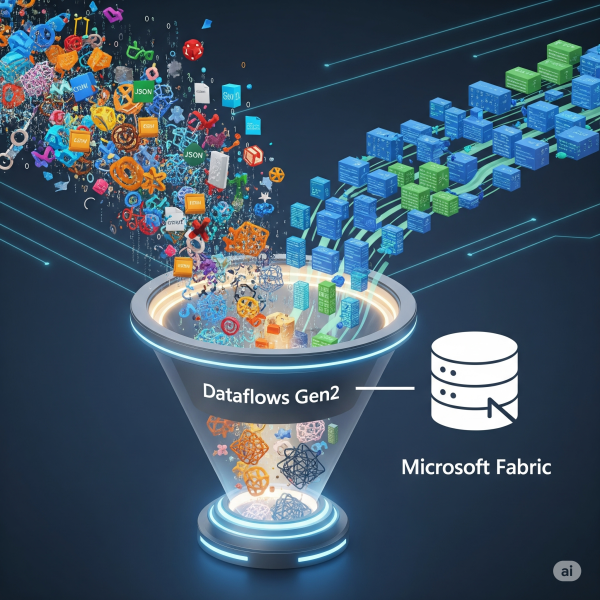
In Microsoft Fabric, raw data from multiple sources flows into the OneLake environment. But raw data isn’t always ready for analytics. It needs to be cleaned, reshaped, and enriched before it powers business intelligence, AI, or advanced analytics. That’s where Dataflows Gen2 come in. They let you prepare and transform data at scale inside Fabric, without needing heavy coding, while still integrating tightly with other Fabric workloads.

Golden Records: The Secret to Clean, Trusted Enterprise Data

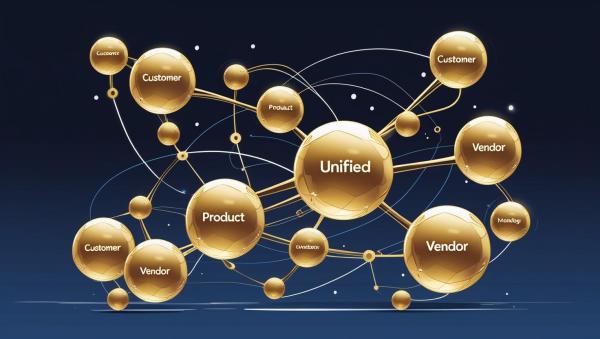
In a world where organizations rely on dozens of apps, platforms, and databases, one thing remains true: fragmented data leads to flawed decisions. That’s why top-performing enterprises are investing in Golden Records: the trusted, unified versions of critical business entities like customers, products, and vendors.

Python for Data Engineers: 5 Scripts You Must Know

As a data engineer, your job isn’t just about moving data. It’s about doing it reliably, efficiently, and repeatably, especially when working with cloud data platforms like Azure SQL Data Warehouse (Azure Synapse Analytics). Python is one of the best tools to automate workflows, clean data, and interact with Azure SQL DW seamlessly.

Power BI DAX Hacks for Faster Reporting

If you’ve used Power BI for any amount of time, you know that DAX (Data Analysis Expressions) is both powerful and, at times, puzzling. While it unlocks deep analytical capabilities, it can also slow down your reports if not used wisely.

10 Years in Data: 10 Lessons That Shaped My Career

This year marks a major milestone for me: 10 years in the data and analytics industry. Over the past decade, I’ve had the privilege to work across various domains, lead talented teams, implement large-scale cloud architectures, and help organizations transform raw data into strategic advantage.

How to Copy Multiple Files from a SharePoint Folder to Datalake using Azure Data factory

With Azure Data Factory, copying files from SharePoint to Data Lake becomes a breeze. By leveraging Azure Data Factory's intuitive interface and robust features, you can easily set up connections to your SharePoint environment and Data Lake Storage Gen2. This allows you to define datasets representing the source (SharePoint) and the sink (Data Lake), specifying the exact locations from which data will be extracted and where it will be stored.

Create a website or blog at WordPress.com

Up ↑