How Azure Data Factory Changed the Way We Handle ETL/ELT at Scale
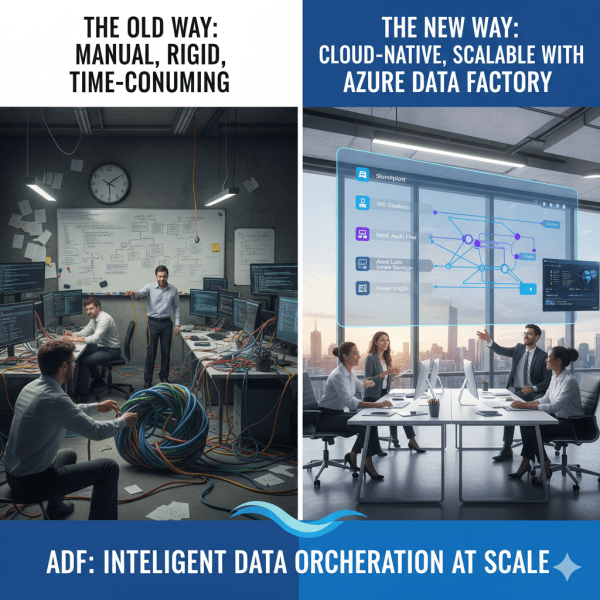
There was a time when moving data from multiple sources felt like untangling a giant knot. Every data refresh meant scripts breaking, manual checks, and long hours spent ensuring everything flowed from source to destination correctly. Then Azure Data Factory (ADF) entered the picture, and it didn’t just simplify ETL and ELT. It completely transformed how we think about data orchestration at scale.

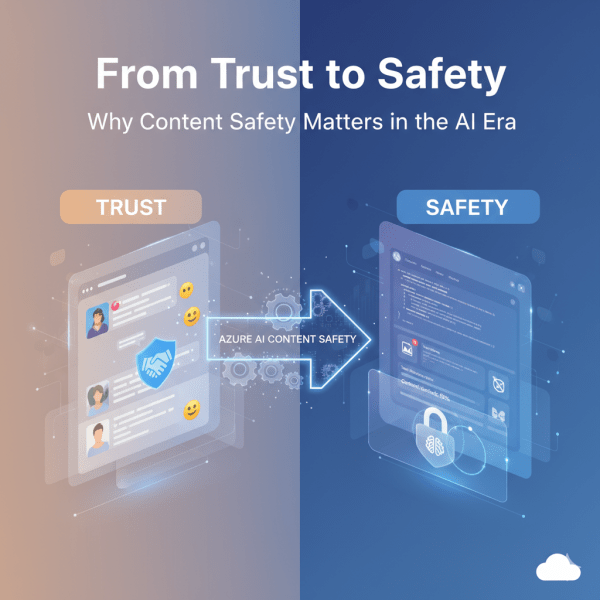
From Trust to Safety: Why Content Safety Matters in the AI Era

Online spaces thrive on trust. Whether it’s a social network, a community forum, or a brand encouraging customers to share their experiences, user-generated content is at the heart of digital interaction. People tend to trust authentic voices more than marketing copy, and businesses actively promote this trust as part of their strategy.

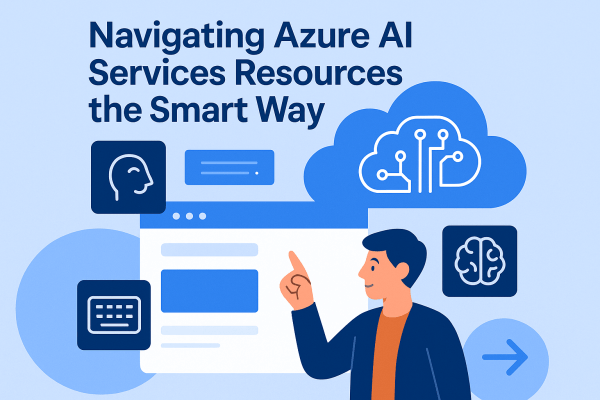
Navigating Azure AI Services Resources – the Smart Way

Imagine you’re about to build something amazing with Azure AI. Before you dive into writing code or training models, there’s one big question: how do you set up your AI resources? This step might feel like just a checkbox, but it’s the foundation of how your application will scale, perform, and even stay within budget.

Microsoft Fabric Best Practices & Roadmap

Microsoft Fabric brings together data engineering, data science, real-time analytics, and business intelligence into one unified platform. With so many capabilities available, organizations often ask: How do we get the most out of Fabric today while preparing for what’s coming next? This post shares practical performance tuning tips, cost optimization strategies, and a look at the Fabric roadmap based on the latest Microsoft updates.

Governance & Security in Microsoft Fabric

As organizations adopt Microsoft Fabric to unify their data and analytics, ensuring governance and security becomes critical. Data is a strategic asset, and protecting it requires a mix of access controls, sensitivity labeling, and monitoring tools. Fabric brings these capabilities together so enterprises can innovate without sacrificing compliance.

Real-Time Analytics in Microsoft Fabric

In today’s data-driven world, many business scenarios demand insights not in hours or days, but in seconds. From monitoring IoT devices to tracking live transactions, real-time analytics enables organizations to act immediately. Microsoft Fabric delivers this capability through KQL databases and event streams, making it easier to ingest, query, and analyze fast-moving data at scale.

Analyzing Data with Power BI in Microsoft Fabric

Data becomes valuable when it’s turned into insights that drive action. In Microsoft Fabric, this is where Power BI shines. By connecting directly to Lakehouses and Warehouses in Fabric, you can build interactive dashboards and reports, then publish and share them securely across your organization.

Setting Up Your First Microsoft Fabric Workspace

If you’re starting with Microsoft Fabric, the first thing you’ll need is a workspace, it is a central hub where all data-related assets live. Think of it as your project’s headquarters: datasets, pipelines, Lakehouses, dashboards, and governance settings are all managed here.

Create a website or blog at WordPress.com

Up ↑