How Azure Data Factory Changed the Way We Handle ETL/ELT at Scale

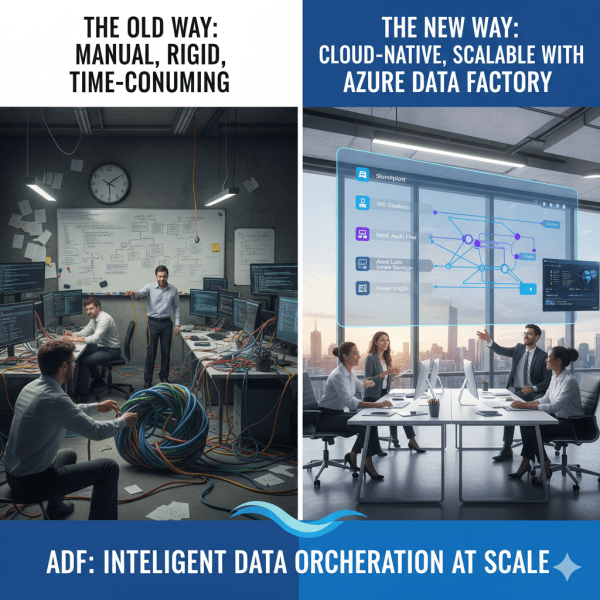
There was a time when moving data from multiple sources felt like untangling a giant knot. Every data refresh meant scripts breaking, manual checks, and long hours spent ensuring everything flowed from source to destination correctly. Then Azure Data Factory (ADF) entered the picture, and it didn’t just simplify ETL and ELT. It completely transformed how we think about data orchestration at scale.

Microsoft Fabric vs. Databricks: When to Use Each?

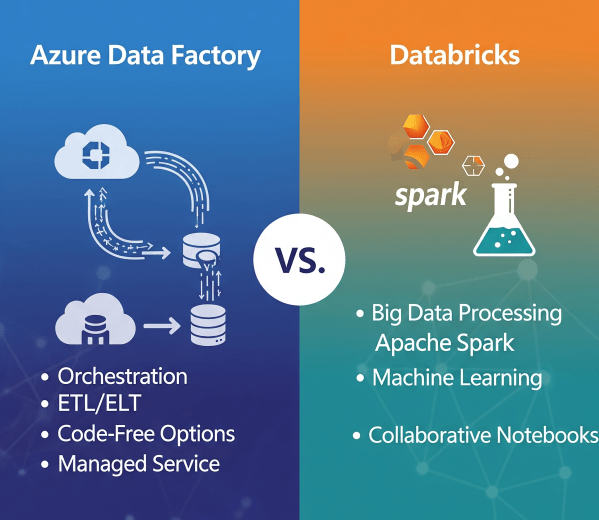
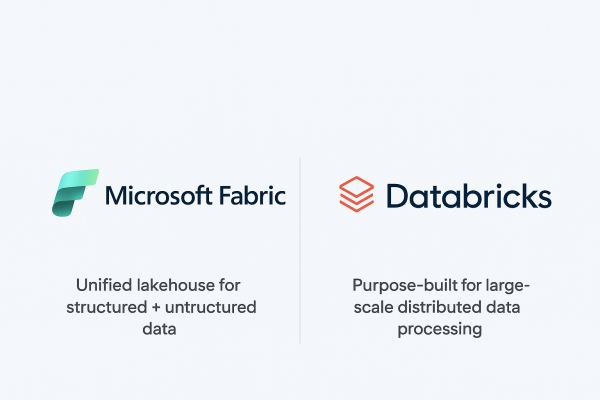
When it comes to building a modern data platform in Azure, two technologies often spark debate: Microsoft Fabric and Databricks. Both are powerful. Both can process, transform, and analyze data. But they serve different purposes, and the smartest organizations know when to use each.

Ingesting Data with Data Factory in Microsoft Fabric

In Microsoft Fabric, Data Factory is the powerhouse behind that process. It’s the next generation of Azure Data Factory, built right into the Fabric platform; making it easier than ever to: - Connect to hundreds of data sources - Transform and clean data on the fly - Schedule and automate ingestion (without writing code)

How to Extract HubSpot Data to Azure Data Lake Using Azure Data Factory

In today’s data-driven world, integrating marketing and sales data from platforms like HubSpot into a centralized storage system such as Azure Data Lake is critical for advanced analytics and reporting. Azure Data Factory (ADF) makes it simple to automate this process without writing any code. In this guide, we'll walk through the exact steps needed to pull data from HubSpot and store it in Azure Data Lake Storage Gen2 in JSON format.

Create a website or blog at WordPress.com

Up ↑