In the last decade, data platforms have evolved from siloed solutions into fully integrated ecosystems. Microsoft Fabric is the latest and arguably boldest step in this evolution, bringing together data engineering, analytics, and governance into a single end-to-end SaaS platform.
Building Your First Azure Data Factory Pipeline: A Beginner’s Guide
Whether you're a data engineer, analyst, or developer stepping into the world of cloud-based data integration, Azure Data Factory (ADF) is a powerful tool worth mastering. It allows you to build robust, scalable data pipelines to move and transform data from various sources, all without managing infrastructure.
Python for Data Engineers: 5 Scripts You Must Know
As a data engineer, your job isn’t just about moving data. It’s about doing it reliably, efficiently, and repeatably, especially when working with cloud data platforms like Azure SQL Data Warehouse (Azure Synapse Analytics). Python is one of the best tools to automate workflows, clean data, and interact with Azure SQL DW seamlessly.
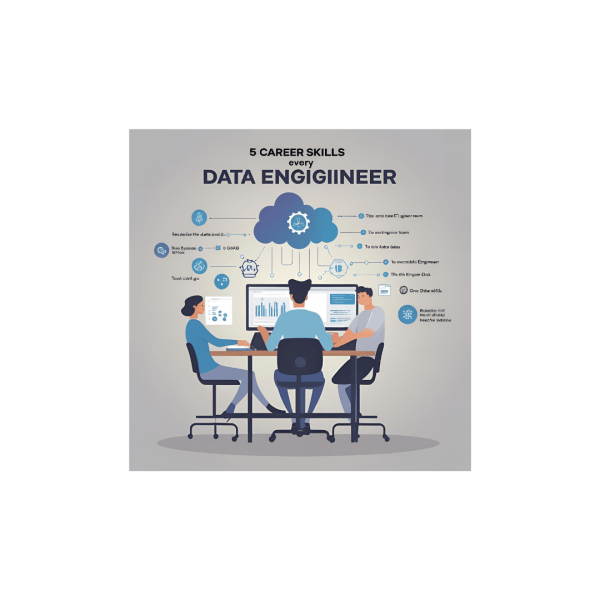
5 Career Skills Every Aspiring Data Engineer Needs
Over the past ten years in data, I’ve been fortunate to collaborate with, learn from, and help grow some incredibly talented engineering teams. One thing has become clear along the way: Tools come and go, but the core skills that make a great data engineer remain timeless. In today’s cloud-first, real-time, business-aligned world, here are the five skills I believe every aspiring data engineer must master.
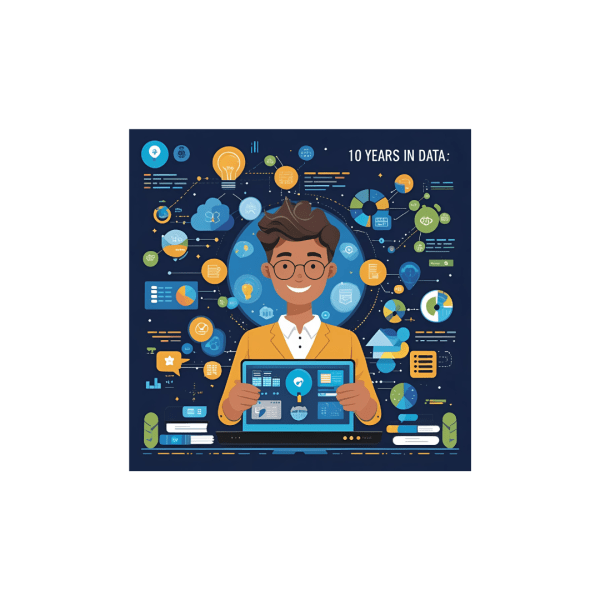
10 Years in Data: 10 Lessons That Shaped My Career
This year marks a major milestone for me: 10 years in the data and analytics industry. Over the past decade, I’ve had the privilege to work across various domains, lead talented teams, implement large-scale cloud architectures, and help organizations transform raw data into strategic advantage.
How to Extract HubSpot Data to Azure Data Lake Using Azure Data Factory
In today’s data-driven world, integrating marketing and sales data from platforms like HubSpot into a centralized storage system such as Azure Data Lake is critical for advanced analytics and reporting. Azure Data Factory (ADF) makes it simple to automate this process without writing any code. In this guide, we'll walk through the exact steps needed to pull data from HubSpot and store it in Azure Data Lake Storage Gen2 in JSON format.
How to Scale Up and Scale Down Dedicated SQL pool (SQL DW) using Azure Data factory.
Scaling up and scaling down your Azure Dedicated SQL Pool helps optimize both performance and costs.
Effortlessly Copy Data from Zoho to Azure Data Lake Using Azure Data Factory
Are you looking for a simple way to copy data from Zoho to Azure Data Lake? You're in the right place! With Azure Data Factory (ADF), you can automate the process of copying data from Zoho’s API to Azure Data Lake Storage Gen2, making it easier to store and analyze your data.
How to Load Parquet Files from Azure Data Lake to Data Warehouse
By following these steps, you’ll be able to extract, transform, and load (ETL) your Parquet data into a structured data warehouse environment, enabling better analytics and reporting.
How to Copy Data from JSON to Parquet in Azure Data Lake
In this step-by-step guide, we’ll go through the exact process of creating Linked Services, defining datasets, and setting up a Copy Activity to seamlessly transfer your JSON data to Parquet format.
How to Copy Multiple Files from a SharePoint Folder to Datalake using Azure Data factory
With Azure Data Factory, copying files from SharePoint to Data Lake becomes a breeze. By leveraging Azure Data Factory's intuitive interface and robust features, you can easily set up connections to your SharePoint environment and Data Lake Storage Gen2. This allows you to define datasets representing the source (SharePoint) and the sink (Data Lake), specifying the exact locations from which data will be extracted and where it will be stored.
How to send Emails to Users using SparkPost in Azure Data Factory
A step-by-step guide on how to send emails to multiple recipients using SparkPost in Azure Data Factory.