Automating your Power BI dataset refresh can save time and ensure your reports always stay up to date. In this post, we’ll walk through how to trigger a Power BI report refresh directly from Azure Data Factory (ADF) using an App Registration in Azure Entra ID.
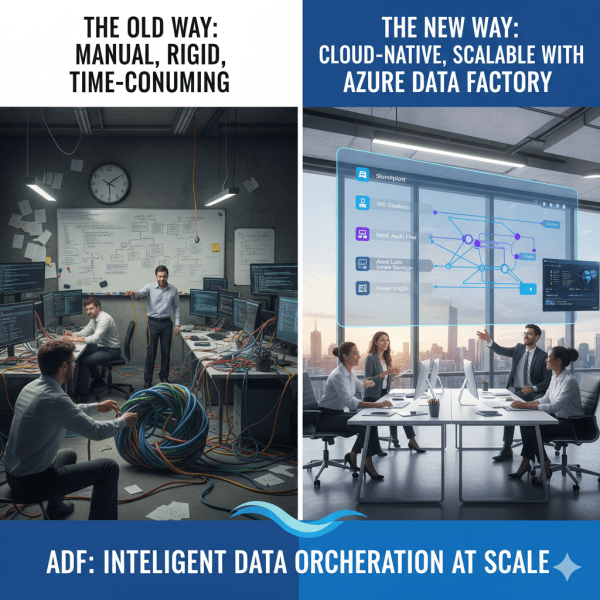
How Azure Data Factory Changed the Way We Handle ETL/ELT at Scale
There was a time when moving data from multiple sources felt like untangling a giant knot. Every data refresh meant scripts breaking, manual checks, and long hours spent ensuring everything flowed from source to destination correctly. Then Azure Data Factory (ADF) entered the picture, and it didn’t just simplify ETL and ELT. It completely transformed how we think about data orchestration at scale.
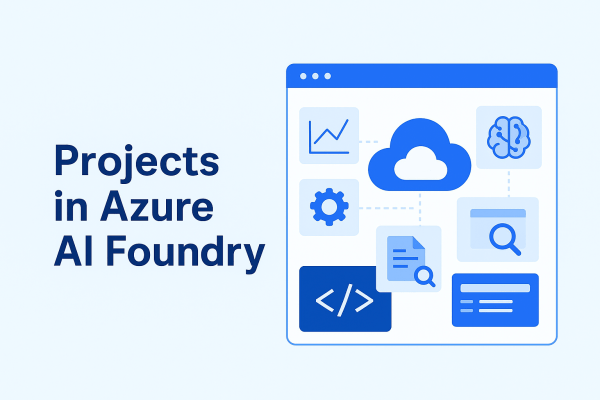
Projects in Azure AI Foundry: Where Ideas Turn Into AI Solutions
A project in Azure AI Foundry is a workspace designed for a specific AI development effort. Each project connects to a hub, giving it access to shared resources while also providing its own dedicated environment for collaboration and experimentation.
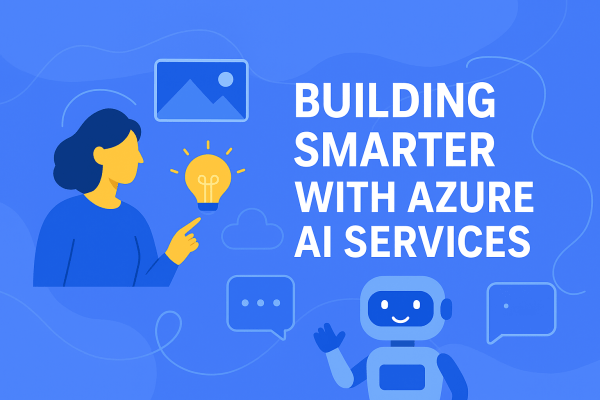
Building Smarter with Azure AI Services
With Azure AI services, you don’t need to start from scratch. Microsoft provides a suite of prebuilt, ready-to-use APIs that let you plug AI into your apps and workflows right away. Here are some of the most powerful services you can use today:
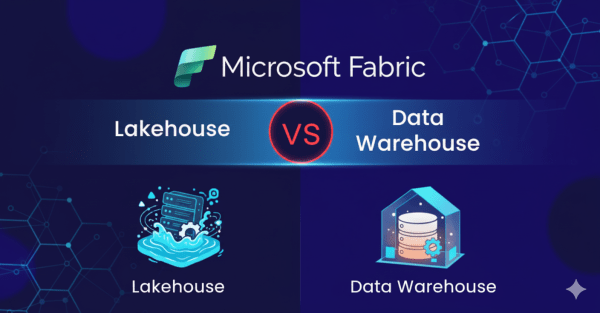
Lakehouse vs. Data Warehouse in Microsoft Fabric: Do You Really Need Both?
While working with Microsoft Fabric, a question came to mind: why use a Data Warehouse if the Lakehouse already provides a SQL endpoint? At first glance, it may seem redundant. However, when you look closer, the two serve very different purposes, and understanding these differences is key to knowing when to use each.
Microsoft Fabric Best Practices & Roadmap
Microsoft Fabric brings together data engineering, data science, real-time analytics, and business intelligence into one unified platform. With so many capabilities available, organizations often ask: How do we get the most out of Fabric today while preparing for what’s coming next? This post shares practical performance tuning tips, cost optimization strategies, and a look at the Fabric roadmap based on the latest Microsoft updates.
Analyzing Data with Power BI in Microsoft Fabric
Data becomes valuable when it’s turned into insights that drive action. In Microsoft Fabric, this is where Power BI shines. By connecting directly to Lakehouses and Warehouses in Fabric, you can build interactive dashboards and reports, then publish and share them securely across your organization.
Transforming Data with Dataflows Gen2 in Microsoft Fabric
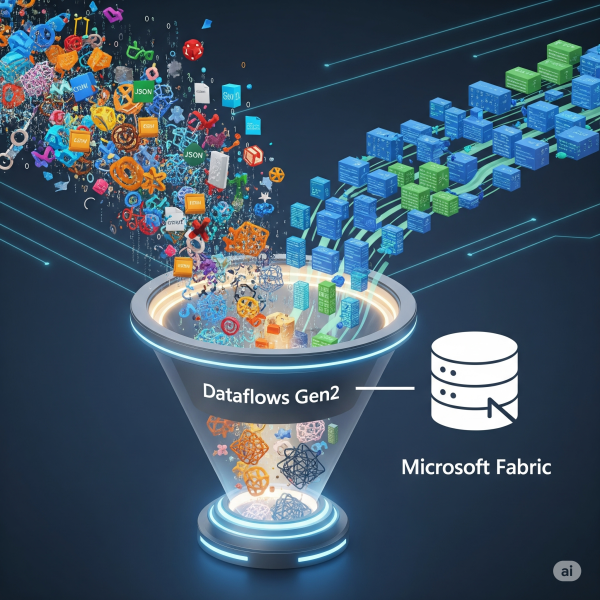
In Microsoft Fabric, raw data from multiple sources flows into the OneLake environment. But raw data isn’t always ready for analytics. It needs to be cleaned, reshaped, and enriched before it powers business intelligence, AI, or advanced analytics. That’s where Dataflows Gen2 come in. They let you prepare and transform data at scale inside Fabric, without needing heavy coding, while still integrating tightly with other Fabric workloads.
Exploring OneLake: The Heart of Microsoft Fabric
OneLake is Microsoft Fabric’s built-in data lake, designed to store data in open formats like Delta Parquet and make it instantly available to all Fabric experiences (Lakehouse, Data Factory, Power BI, Real-Time Analytics).
Setting Up Your First Microsoft Fabric Workspace
If you’re starting with Microsoft Fabric, the first thing you’ll need is a workspace, it is a central hub where all data-related assets live. Think of it as your project’s headquarters: datasets, pipelines, Lakehouses, dashboards, and governance settings are all managed here.
Building Your First Azure Data Factory Pipeline: A Beginner’s Guide
Whether you're a data engineer, analyst, or developer stepping into the world of cloud-based data integration, Azure Data Factory (ADF) is a powerful tool worth mastering. It allows you to build robust, scalable data pipelines to move and transform data from various sources, all without managing infrastructure.
Python for Data Engineers: 5 Scripts You Must Know
As a data engineer, your job isn’t just about moving data. It’s about doing it reliably, efficiently, and repeatably, especially when working with cloud data platforms like Azure SQL Data Warehouse (Azure Synapse Analytics). Python is one of the best tools to automate workflows, clean data, and interact with Azure SQL DW seamlessly.