Microsoft Fabric brings together data engineering, data science, real-time analytics, and business intelligence into one unified platform. With so many capabilities available, organizations often ask: How do we get the most out of Fabric today while preparing for what’s coming next?
This post shares practical performance tuning tips, cost optimization strategies, and a look at the Fabric roadmap based on the latest Microsoft updates.
Performance Tuning Tips
Optimizing performance ensures faster results and more efficient use of resources. Here are some best practices:
1. Optimize Data Storage & Queries
- Choose efficient data types (e.g., use integers and datetime2, avoid storing dates as text).
- Use result set caching (currently in preview) to return frequently run queries faster.
- Take advantage of intelligent garbage collection to keep storage tidy and queries fast.
2. Dataflows & Transformations
- Use query folding so transformations push down to the source whenever possible.
- Apply staging and fast copy for heavy ETL workloads.
- Keep transformations light in the Bronze layer and push complex logic downstream where volumes are smaller.
3. Monitor and Adjust Compute
- Track workloads in the Monitoring Hub and Capacity Metrics app.
- Manage capacity with bursting (temporary scaling), smoothing (spread workloads), and throttling (control overuse).
- Regularly review usage to avoid bottlenecks and ensure even distribution of resources.
Cost Optimization Strategies

Running analytics at scale can get expensive without a plan. Fabric provides flexibility, but you need to design with costs in mind.
1. Use a Medallion Architecture
- Bronze: Keep raw data minimal and unaltered.
- Silver: Clean, standardized datasets for broad use.
- Gold: Curated, aggregated data for BI and analytics.
This approach reduces compute needs at higher layers and avoids redundant processing.
2. Archive and Tier Data
- Move historical or rarely used data to colder storage tiers.
- Keep only active, high-value data in Warehouses or Lakehouses.
3. Right-Size Compute
- Choose the right SKU for workloads, avoid over-provisioning.
- Automate scaling and use Azure Cost Management to keep an eye on consumption.
- Identify idle or underutilized resources and reallocate as needed.
What’s Coming Next for Fabric
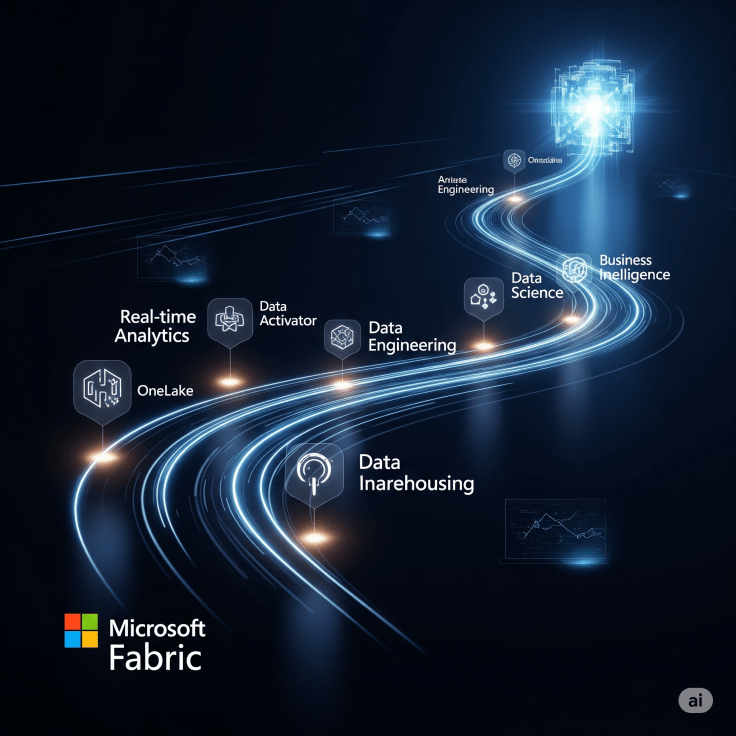
Microsoft actively evolves Fabric with monthly updates and a published roadmap. Some highlights from recent and upcoming releases:
- Unified Roadmap: Fabric now has a single roadmap view spanning Power BI, Data Engineering, Governance, and more.
- Warehouse Enhancements: Features like V-Order management for query performance and intelligent caching are rolling out.
- Notebooks: Support for variable libraries (in preview) makes it easier to reuse code.
- Monitoring Hub: Expanded to cover machine learning experiments, Spark workloads, and governance.
- Performance Improvements: Spark autotune, high-concurrency notebook sessions, and vectorized engine optimizations are being introduced.
The roadmap shows a clear direction: Microsoft is doubling down on performance, governance, and tighter integration across workloads.
Key Takeaways
- Performance: Tune queries, optimize dataflows, and monitor capacity proactively.
- Cost: Design with medallion architecture, right-size compute, and use storage tiers wisely.
- Roadmap: Stay updated with new features, especially around performance and governance.
By following these practices today and keeping an eye on what’s coming, you can ensure that Microsoft Fabric delivers maximum value with sustainable costs while staying ready for the future.
 Ization
Leave a comment