Tried using Lookup activity to read a file from Lakehouse in Microsoft Fabric?
Why Fabric Lookup Activity Cannot Read Lakehouse Files (And How to Fix It)
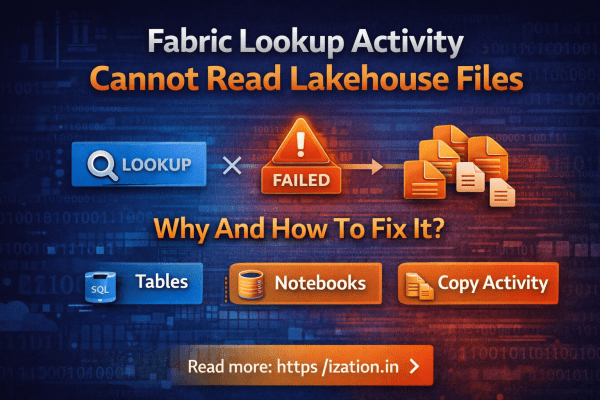
Tried using Lookup activity to read a file from Lakehouse in Microsoft Fabric?
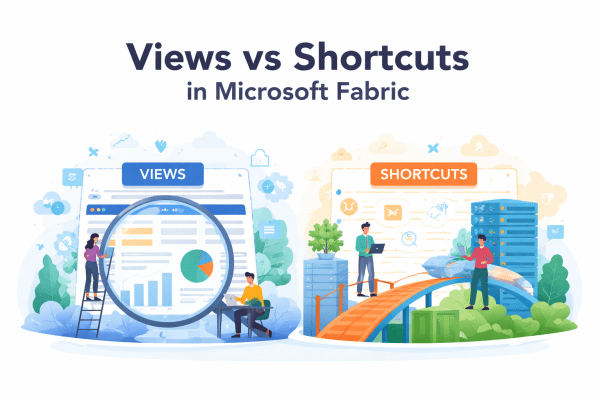
In Microsoft Fabric architecture, should I use a View or a Shortcut?

If you’re working with Microsoft Fabric, this might save you some time.
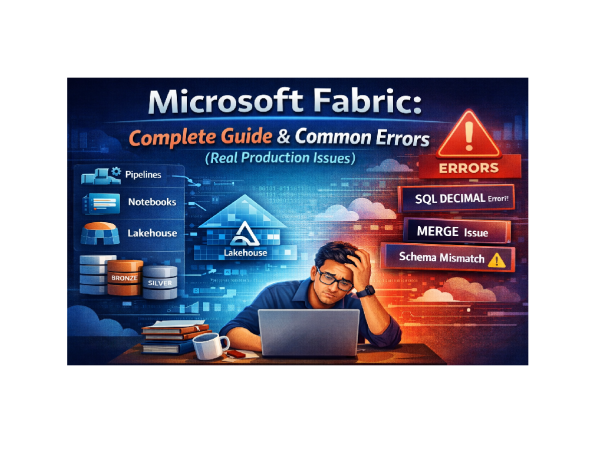
Microsoft Fabric is a powerful platform that brings together data engineering, pipelines, lakehouse, and Power BI into a single ecosystem. However, once you move from demos to real production workloads, things start to break.

Automating your Power BI dataset refresh can save time and ensure your reports always stay up to date. In this post, we’ll walk through how to trigger a Power BI report refresh directly from Azure Data Factory (ADF) using an App Registration in Azure Entra ID.
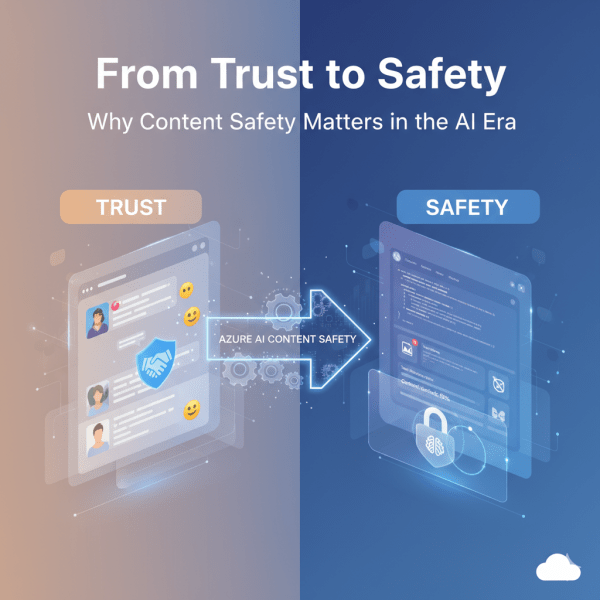
Online spaces thrive on trust. Whether it’s a social network, a community forum, or a brand encouraging customers to share their experiences, user-generated content is at the heart of digital interaction. People tend to trust authentic voices more than marketing copy, and businesses actively promote this trust as part of their strategy.
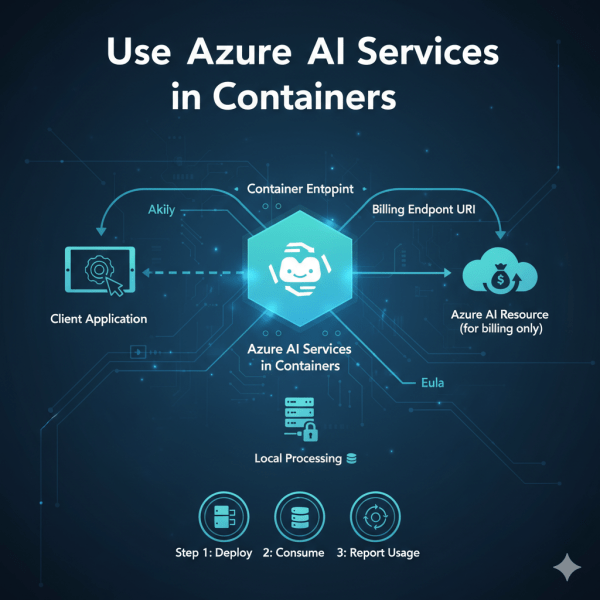
Did you know you can run Azure AI services on your own infrastructure using containers? Microsoft provides container images for individual AI service APIs through the Microsoft Container Registry (MCR). This allows you to deploy AI closer to your data on-premises, in Azure, or even at the edge.
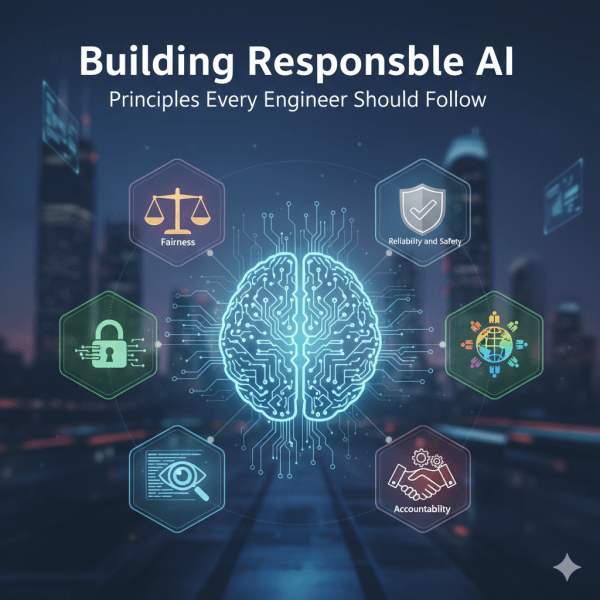
As engineers, we don’t just build systems. We shape experiences that affect people and society. AI is powered by probabilistic models trained on data, which means it can sometimes amplify biases or make mistakes that impact real lives. This is why principles of Responsible AI matter. At Microsoft, several core principles guide the responsible development and deployment of AI systems. Let’s look at them one by one.
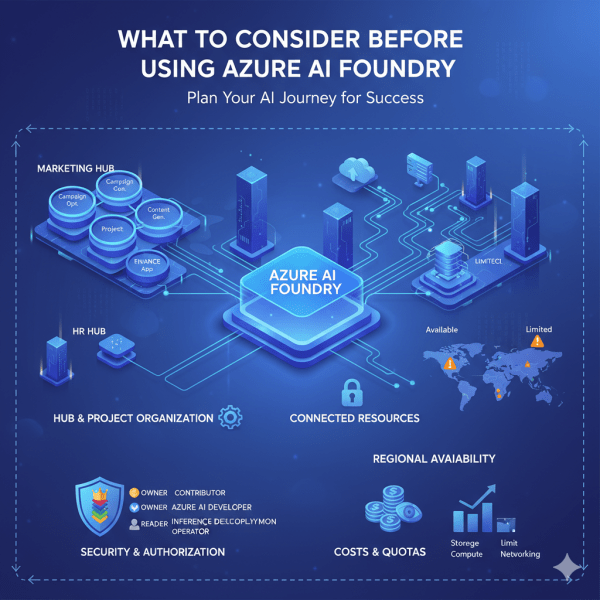
Azure AI Foundry is a powerful platform for developing and scaling AI solutions. It gives teams structure through hubs and projects, shared resources, and collaborative tools. But to get the most from Foundry, it is important to plan carefully. From resource organization to cost management, a little forethought can make your AI journey smoother and more efficient.
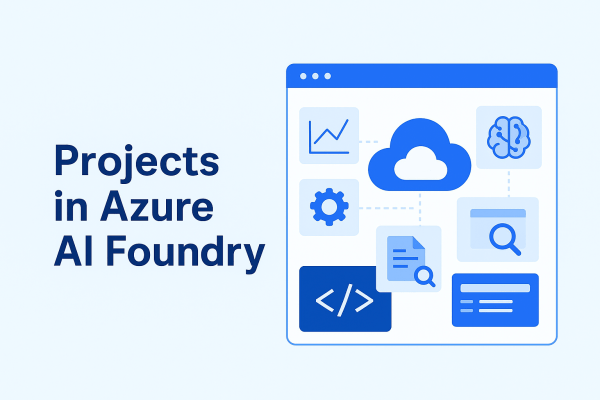
A project in Azure AI Foundry is a workspace designed for a specific AI development effort. Each project connects to a hub, giving it access to shared resources while also providing its own dedicated environment for collaboration and experimentation.
A hub is the foundation of Azure AI Foundry. Think of it as a control center where all the shared resources, security settings, and configurations for your AI development live. Without at least one hub, you cannot use the full power of Foundry’s solution development capabilities.

Azure AI Foundry is Microsoft’s dedicated platform for building, managing, and scaling AI solutions in the cloud. It is not just a collection of services, it is a structured environment designed to make AI development more efficient, organized, and secure.
 Ization