Automating your Power BI dataset refresh can save time and ensure your reports always stay up to date. In this post, we’ll walk through how to trigger a Power BI report refresh directly from Azure Data Factory (ADF) using an App Registration in Azure Entra ID.
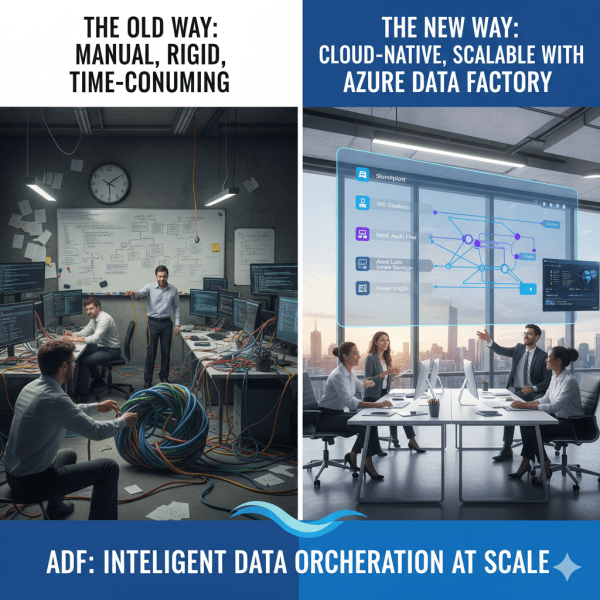
How Azure Data Factory Changed the Way We Handle ETL/ELT at Scale
There was a time when moving data from multiple sources felt like untangling a giant knot. Every data refresh meant scripts breaking, manual checks, and long hours spent ensuring everything flowed from source to destination correctly. Then Azure Data Factory (ADF) entered the picture, and it didn’t just simplify ETL and ELT. It completely transformed how we think about data orchestration at scale.
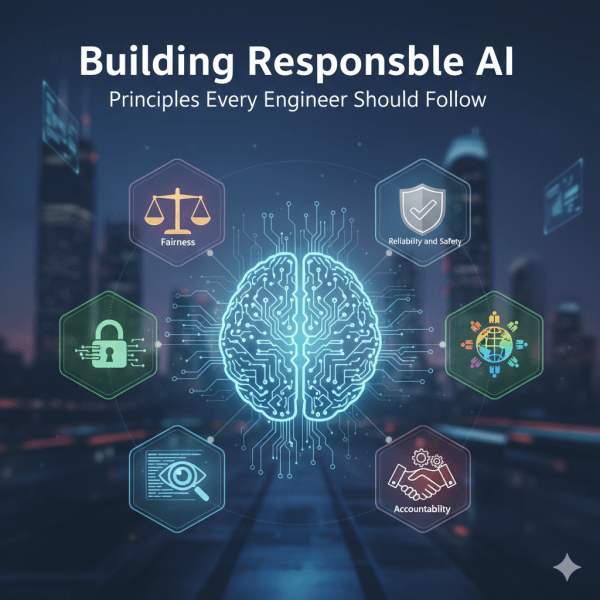
Building Responsible AI: Principles Every Engineer Should Follow
As engineers, we don’t just build systems. We shape experiences that affect people and society. AI is powered by probabilistic models trained on data, which means it can sometimes amplify biases or make mistakes that impact real lives. This is why principles of Responsible AI matter. At Microsoft, several core principles guide the responsible development and deployment of AI systems. Let’s look at them one by one.
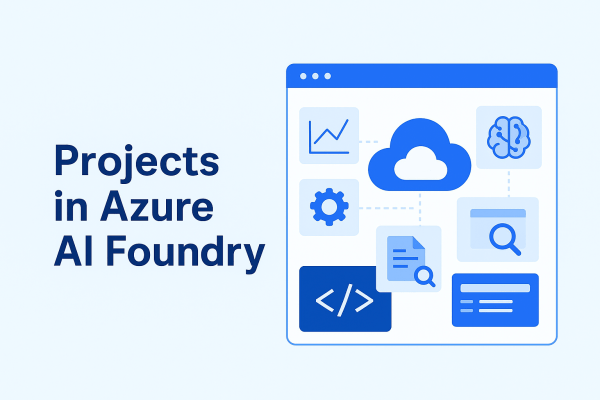
Projects in Azure AI Foundry: Where Ideas Turn Into AI Solutions
A project in Azure AI Foundry is a workspace designed for a specific AI development effort. Each project connects to a hub, giving it access to shared resources while also providing its own dedicated environment for collaboration and experimentation.
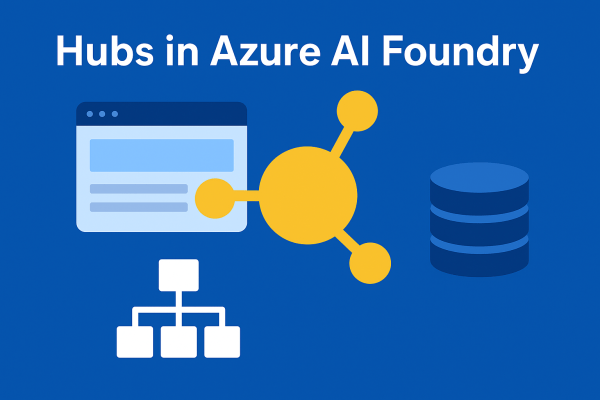
Hubs in Azure AI Foundry: The Nerve Center of Your AI Development
A hub is the foundation of Azure AI Foundry. Think of it as a control center where all the shared resources, security settings, and configurations for your AI development live. Without at least one hub, you cannot use the full power of Foundry’s solution development capabilities.
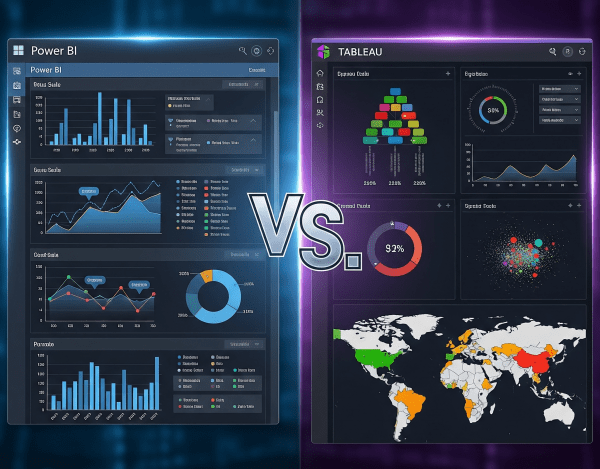
Power BI vs. Tableau: Which One Is Best?
When it comes to data visualization and business intelligence (BI), Power BI and Tableau are two of the most popular platforms in the world. Both turn raw data into insights, but they differ in cost, ecosystem fit, and flexibility.
Data Lake vs. Data Warehouse: When to Use Which?
When organizations talk about becoming data-driven, the debate often comes down to where should data live and how should it be structured? That’s where the Data Lake and the Data Warehouse come into play. Both are critical, but their purposes and strengths differ.
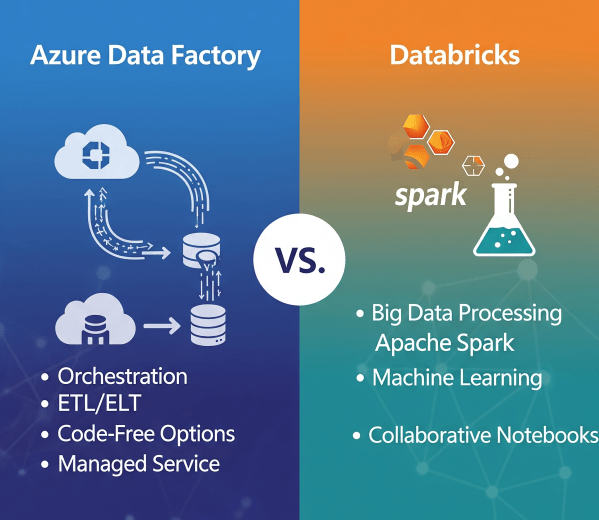
Azure Data Factory vs. Databricks: When to Use What?
In today’s cloud-first world, enterprises have no shortage of data services. But when it comes to building scalable, reliable data pipelines, two names often dominate the conversation: Azure Data Factory (ADF) and Azure Databricks.
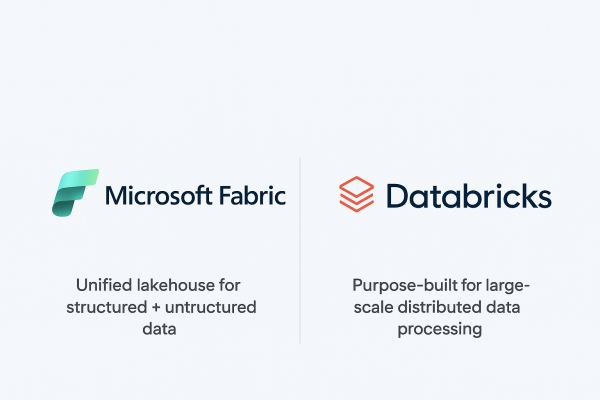
Microsoft Fabric vs. Databricks: When to Use Each?
When it comes to building a modern data platform in Azure, two technologies often spark debate: Microsoft Fabric and Databricks. Both are powerful. Both can process, transform, and analyze data. But they serve different purposes, and the smartest organizations know when to use each.
Real-Time Analytics in Microsoft Fabric
In today’s data-driven world, many business scenarios demand insights not in hours or days, but in seconds. From monitoring IoT devices to tracking live transactions, real-time analytics enables organizations to act immediately. Microsoft Fabric delivers this capability through KQL databases and event streams, making it easier to ingest, query, and analyze fast-moving data at scale.
Analyzing Data with Power BI in Microsoft Fabric
Data becomes valuable when it’s turned into insights that drive action. In Microsoft Fabric, this is where Power BI shines. By connecting directly to Lakehouses and Warehouses in Fabric, you can build interactive dashboards and reports, then publish and share them securely across your organization.
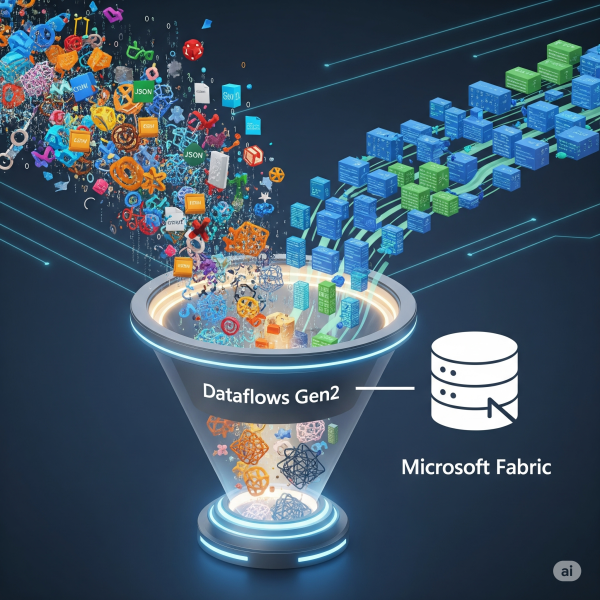
Transforming Data with Dataflows Gen2 in Microsoft Fabric
In Microsoft Fabric, raw data from multiple sources flows into the OneLake environment. But raw data isn’t always ready for analytics. It needs to be cleaned, reshaped, and enriched before it powers business intelligence, AI, or advanced analytics. That’s where Dataflows Gen2 come in. They let you prepare and transform data at scale inside Fabric, without needing heavy coding, while still integrating tightly with other Fabric workloads.