Imagine you’re about to build something amazing with Azure AI. Before you dive into writing code or training models, there’s one big question: how do you set up your AI resources? This step might feel like just a checkbox, but it’s the foundation of how your application will scale, perform, and even stay within budget.
Building Smarter with Azure AI Services
With Azure AI services, you don’t need to start from scratch. Microsoft provides a suite of prebuilt, ready-to-use APIs that let you plug AI into your apps and workflows right away. Here are some of the most powerful services you can use today:
Exploring the Core Capabilities of Artificial Intelligence
Today, the real magic of AI lies in its capabilities. These are the practical functions that bring intelligence into software applications. Let’s explore the key AI capabilities that developers are using to build smarter, more responsive, and human-like systems.
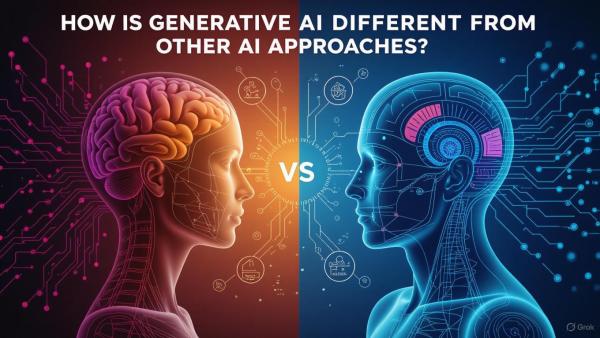
How is Generative AI Different from Other AI Approaches?
Artificial Intelligence (AI) is everywhere these days, from personalized Netflix recommendations to chatbots that answer your questions in real-time. But not all AI is built the same. A key distinction exists between traditional AI approaches and the rising star: Generative AI (Gen AI).
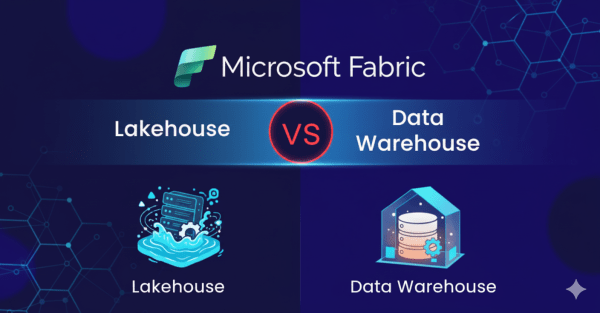
Lakehouse vs. Data Warehouse in Microsoft Fabric: Do You Really Need Both?
While working with Microsoft Fabric, a question came to mind: why use a Data Warehouse if the Lakehouse already provides a SQL endpoint? At first glance, it may seem redundant. However, when you look closer, the two serve very different purposes, and understanding these differences is key to knowing when to use each.
Azure vs. Snowflake: When to Use Which?
In the cloud data world, Microsoft Azure and Snowflake often come up as leading choices for building scalable data platforms. While they overlap in some capabilities, their core strengths and ecosystem focus make them suited to different use cases.
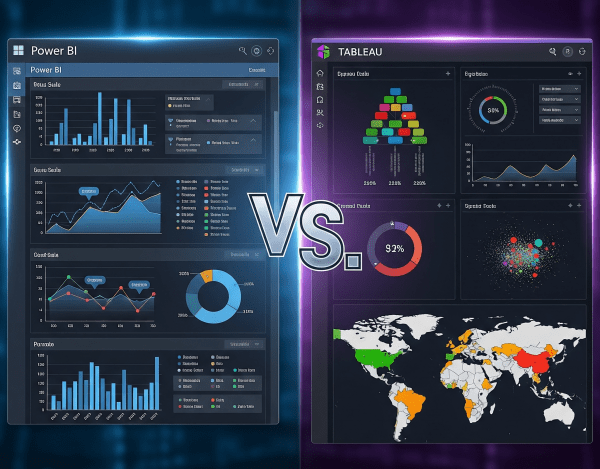
Power BI vs. Tableau: Which One Is Best?
When it comes to data visualization and business intelligence (BI), Power BI and Tableau are two of the most popular platforms in the world. Both turn raw data into insights, but they differ in cost, ecosystem fit, and flexibility.
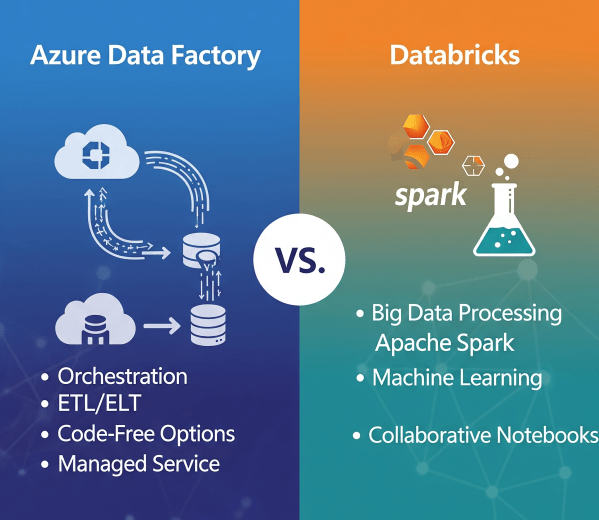
Azure Data Factory vs. Databricks: When to Use What?
In today’s cloud-first world, enterprises have no shortage of data services. But when it comes to building scalable, reliable data pipelines, two names often dominate the conversation: Azure Data Factory (ADF) and Azure Databricks.
Microsoft Fabric Best Practices & Roadmap
Microsoft Fabric brings together data engineering, data science, real-time analytics, and business intelligence into one unified platform. With so many capabilities available, organizations often ask: How do we get the most out of Fabric today while preparing for what’s coming next? This post shares practical performance tuning tips, cost optimization strategies, and a look at the Fabric roadmap based on the latest Microsoft updates.
Governance & Security in Microsoft Fabric
As organizations adopt Microsoft Fabric to unify their data and analytics, ensuring governance and security becomes critical. Data is a strategic asset, and protecting it requires a mix of access controls, sensitivity labeling, and monitoring tools. Fabric brings these capabilities together so enterprises can innovate without sacrificing compliance.
Analyzing Data with Power BI in Microsoft Fabric
Data becomes valuable when it’s turned into insights that drive action. In Microsoft Fabric, this is where Power BI shines. By connecting directly to Lakehouses and Warehouses in Fabric, you can build interactive dashboards and reports, then publish and share them securely across your organization.
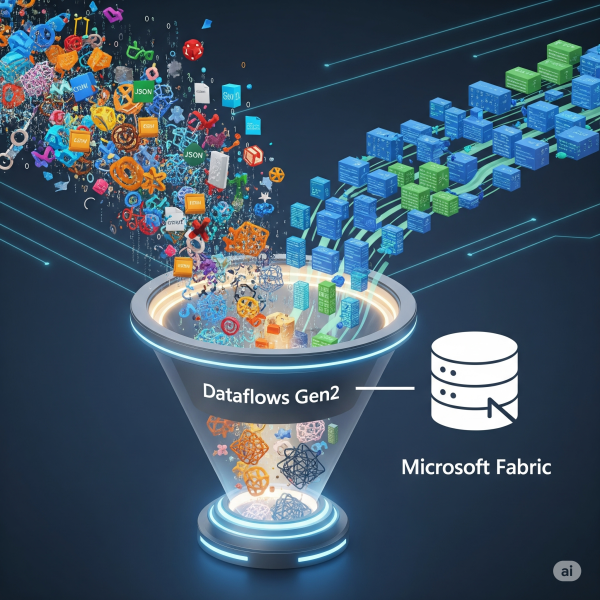
Transforming Data with Dataflows Gen2 in Microsoft Fabric
In Microsoft Fabric, raw data from multiple sources flows into the OneLake environment. But raw data isn’t always ready for analytics. It needs to be cleaned, reshaped, and enriched before it powers business intelligence, AI, or advanced analytics. That’s where Dataflows Gen2 come in. They let you prepare and transform data at scale inside Fabric, without needing heavy coding, while still integrating tightly with other Fabric workloads.