Data becomes valuable when it’s turned into insights that drive action. In Microsoft Fabric, this is where Power BI shines. By connecting directly to Lakehouses and Warehouses in Fabric, you can build interactive dashboards and reports, then publish and share them securely across your organization.
Connecting Power BI to Lakehouse and Warehouse
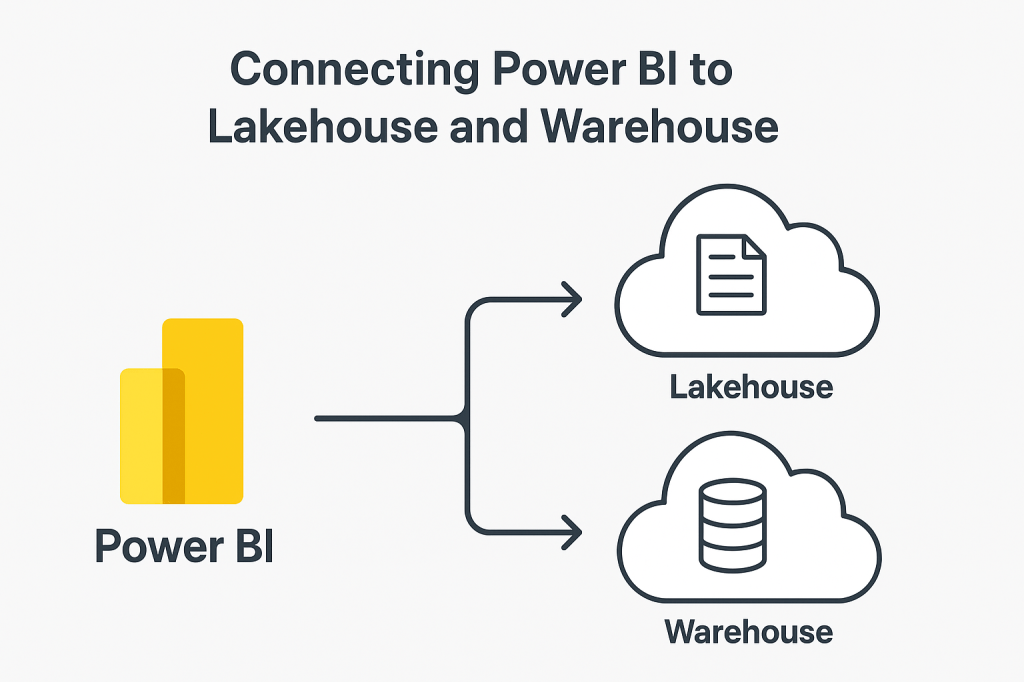
Power BI is deeply integrated into Fabric, making connections straightforward:
- Lakehouse: Ideal for data exploration and analysis on files, tables, or semi-structured data stored in OneLake. Analysts can quickly connect and start visualizing without complex setup.
- Warehouse: Best for structured, relational datasets that are curated and governed by data engineering teams. Perfect for standardized reporting and enterprise BI.
From within Fabric, you can create a Power BI semantic model directly from a Lakehouse or Warehouse item. This eliminates data movement and ensures reports stay aligned with governed data in OneLake.
Building Quick Dashboards and Reports
With the data connection in place, building a report in Power BI takes only a few steps:
- Start a new report from the connected dataset.
- Drag and drop fields to create visuals such as bar charts, KPIs, or tables.
- Add slicers and filters to make reports interactive.
- Use AI-powered visuals (like Q&A or smart narratives) to discover insights faster.
Because the data remains in OneLake, reports run efficiently without duplicating or moving data. You can start with simple visuals for speed, then refine using DAX measures, hierarchies, and semantic modeling for richer analytics.
Publishing and Sharing Securely
After building insights, the next step is secure distribution. Power BI in Fabric offers enterprise-grade sharing and governance:
- Publish reports directly into Fabric workspaces.
- Apply Row-Level Security (RLS) to ensure each user only sees data relevant to their role.
- Share dashboards with individuals, teams, or embed them in Microsoft Teams and SharePoint for wider visibility.
- Mark datasets as certified or promoted, giving the organization confidence in trusted data sources.
This approach ensures reports are not just visually engaging, but also secure, consistent, and compliant.
Key Takeaway
With Power BI in Microsoft Fabric, you can seamlessly connect to Lakehouses and Warehouses, create dashboards in minutes, and publish them securely to the right audience. It’s a complete analytics workflow: from data to decisions all within a unified platform.
 Ization
Leave a comment